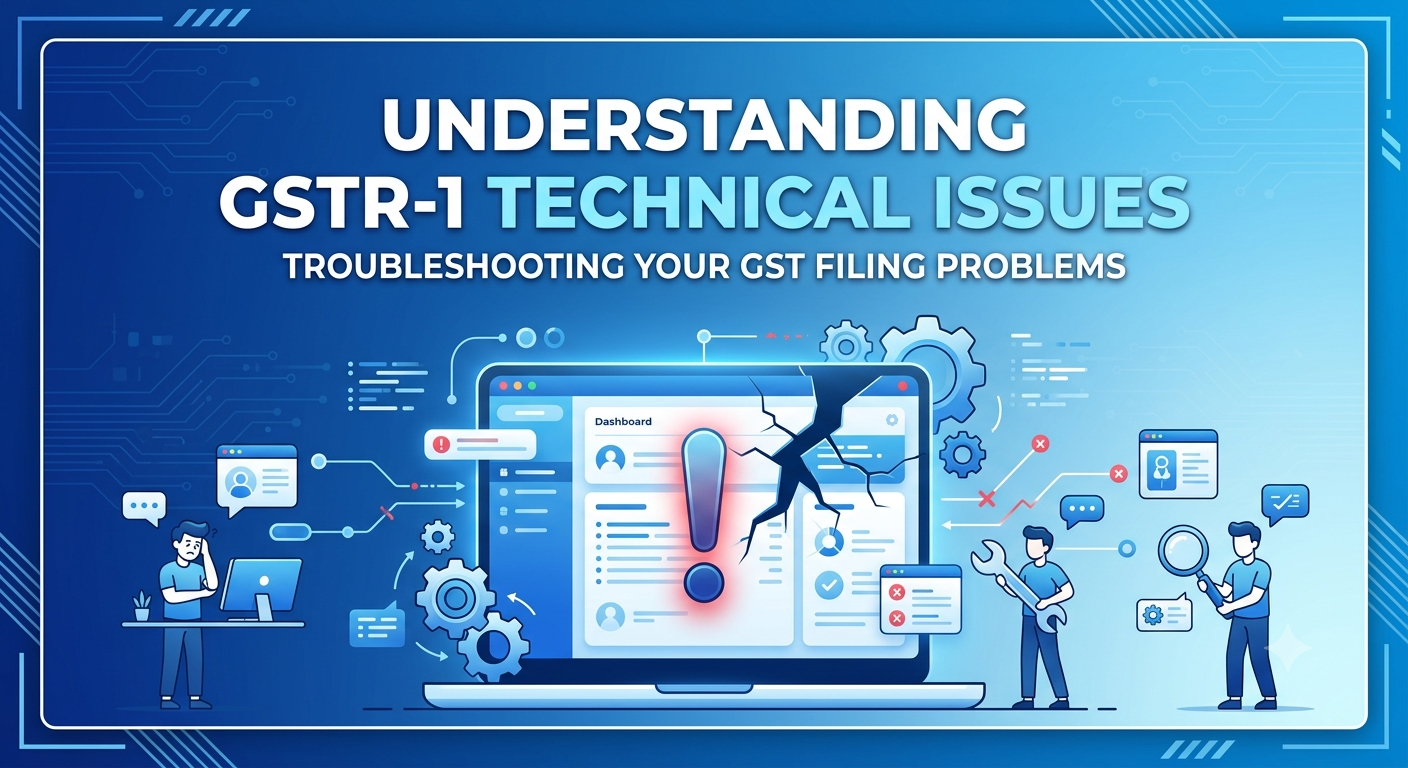
Navigating GSTR-1 Technical Issues : Common Errors and Practical Solutions
Introduction
Filing GSTR-1 is one of the most important GST compliance requirements for registered taxpayers. This return captures details of outward supplies made during the tax period and enables recipients to claim their eligible Input Tax Credit (ITC). However, many taxpayers encounter technical issues while filing GSTR-1, ranging from portal errors and JSON upload failures to invoice validation issues and delayed acknowledgments.
Understanding these common problems and knowing how to resolve them can help taxpayers avoid filing delays, late fees, and unnecessary compliance risks.
This article explores the most common GSTR-1 technical issues in 2026 and provides practical troubleshooting tips for a smoother filing experience.
1. GST Portal Server Errors and Timeouts
The Issue
The GST portal often experiences heavy traffic during peak filing periods, especially close to the due date. As a result, taxpayers may encounter errors such as:
- System Error
- 504 Gateway Timeout
- Portal not responding
- Generate Summary button not working
- Submit button remaining inactive
These issues are generally caused by temporary server overload rather than errors in the taxpayer’s return.
How to Resolve It
- Avoid filing during peak hours on the due date.
- File your return well before the deadline whenever possible.
- Try accessing the portal early in the morning or late at night.
- Clear your browser’s cache, cookies, and browsing history.
- Open the GST portal in an incognito/private browsing window.
- Ensure you are using a compatible and updated web browser.
2. JSON Schema Errors During File Upload
The Issue
Many businesses prepare GSTR-1 using the GST Offline Utility and upload invoice details in JSON format. During upload, taxpayers may receive errors such as:
- JSON Schema Error
- Invalid JSON File
- File Size Exceeds Limit
These errors usually occur because the JSON file contains validation issues or exceeds the prescribed upload size.
How to Resolve It
- Validate invoice data thoroughly before generating the JSON file.
- Ensure mandatory fields are correctly filled.
- Keep the JSON file within the prescribed size limit.
- If the file exceeds the allowable size, divide the data into smaller files and upload them separately.
- Always generate the JSON file using the latest version of the GST Offline Utility.
3. Invoice Limits in Online GSTR-1 Preparation
The Issue
Taxpayers using the Prepare Online option may face restrictions when uploading a large number of invoices.
For example, if a particular table (such as B2B supplies) contains more than 500 invoices, the portal may stop accepting additional entries or become unresponsive.
How to Resolve It
Instead of entering invoices manually:
- Download existing invoice data.
- Use the GST Offline Utility to prepare the remaining invoices.
- Generate a fresh JSON file.
- Upload the updated file to the GST portal.
The offline utility is designed to efficiently handle large volumes of invoice data.
4. Invoice Validation Errors and Data Mismatches
Many GSTR-1 filing errors are caused by incorrect invoice information rather than system failures.
Incorrect Tax Application (RET191150)
This error occurs when:
- IGST is charged on an intra-state transaction, or
- CGST and SGST are charged on an inter-state transaction.
Solution
- Verify the Place of Supply (PoS).
- Confirm the supplier’s and recipient’s state codes.
- Ensure the correct type of GST is applied.
Invalid GST Rate (RET191175)
The GST portal validates tax rates during upload.
Errors occur when incorrect or unsupported GST rates are entered.
Solution
Check whether the applicable GST rate matches the prescribed slabs, such as:
- 0%
- 5%
- 12%
- 18%
- 28%
Review the classification of your goods or services before filing.
Missing HSN Codes
Some taxpayers experience validation issues when HSN details are incomplete.
Solution
- Ensure HSN codes are correctly entered wherever applicable.
- Follow the latest GSTN instructions regarding HSN reporting requirements.
5. ARN Not Generated After Filing
The Issue
Sometimes taxpayers successfully submit GSTR-1 but do not immediately receive an Application Reference Number (ARN).
The return status may continue to display Processing, creating uncertainty about whether the filing has been completed successfully.
How to Resolve It
- Wait for some time, as ARN generation may be delayed during periods of heavy portal traffic.
- Check the filing status through:
Services → Returns → Track Return Status
- Avoid filing the return multiple times while the first submission is still being processed.
Best Practices to Avoid GSTR-1 Filing Issues
Following a few preventive measures can significantly reduce filing errors and improve compliance.
Reconcile Before Filing
Compare your sales register with GSTR-1 data to identify discrepancies before uploading.
Verify Customer GSTINs
Use the GST portal’s taxpayer search facility to ensure your customers’ GSTINs are active and correctly entered. Incorrect GSTINs can lead to denial of Input Tax Credit for recipients.
File Returns Before the Due Date
Do not wait until the last day to file. Early filing helps avoid server congestion and allows sufficient time to correct any validation errors.
File Nil GSTR-1 When Applicable
If there are no outward supplies during the tax period, a Nil GSTR-1 should still be filed to remain compliant and avoid late fees.
Keep Software Updated
Businesses using accounting or GST software should regularly install updates to remain compatible with the latest GST schema and validation rules.
What to Do If Technical Issues Persist
If technical problems continue despite following the recommended troubleshooting steps:
- Capture screenshots of the error messages.
- Note the date and time of the issue.
- Raise a complaint through the GST Self-Service Portal.
- Keep the complaint reference number for future correspondence.
Maintaining proper documentation of technical issues can be useful if you need to explain delays or seek relief from late fees, subject to the applicable GST provisions and administrative decisions.
Conclusion
Technical issues during GSTR-1 filing are common, particularly around due dates and during periods of high portal traffic. Most problems—such as server timeouts, JSON validation errors, invoice upload restrictions, tax validation issues, and delayed ARN generation—can be resolved by following the appropriate troubleshooting steps and adopting good filing practices.
The key to hassle-free GST compliance is to prepare accurate data, reconcile invoices regularly, validate information before uploading, and file returns well before the due date. By taking these proactive measures, businesses can minimize disruptions, ensure timely compliance, and facilitate seamless Input Tax Credit flow for their customers.
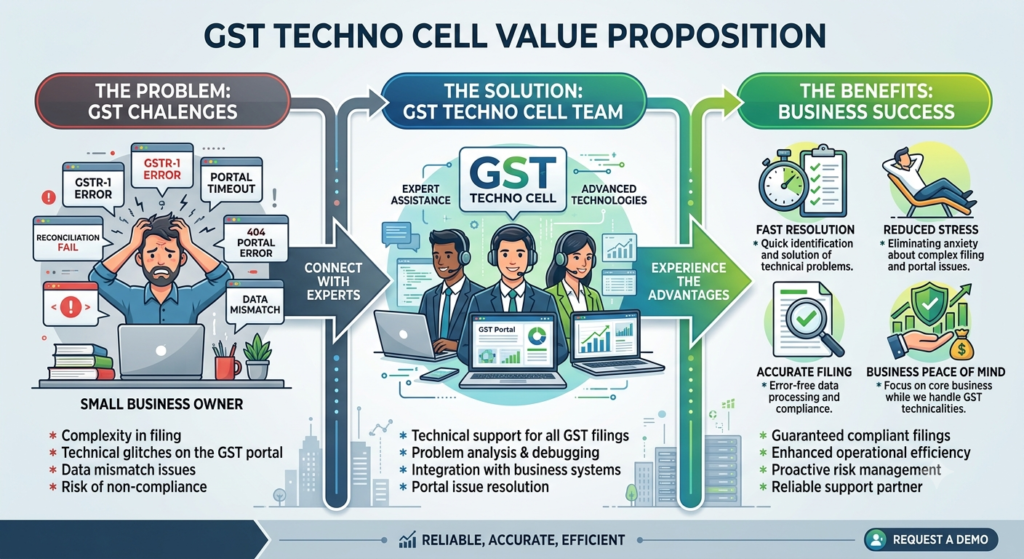
For Quick Resolution kindly submit your issue or chat with us. Our dedicated Experts will diagnosis the issue and resolve it soon.